
Turn company policy into system behavior.
Configure the workspace rules that shape access, time, leave, payroll, recruitment, files, notifications, auditability, and security.

Configuration impact register
Review the policies that shape connected modules before authorized changes become operating rules.
Synthetic product demonstration
Keep configuration close to the work it governs
Give administrators one connected control layer for the policies and boundaries used across PRIMIS.
- 01
General workspace settings
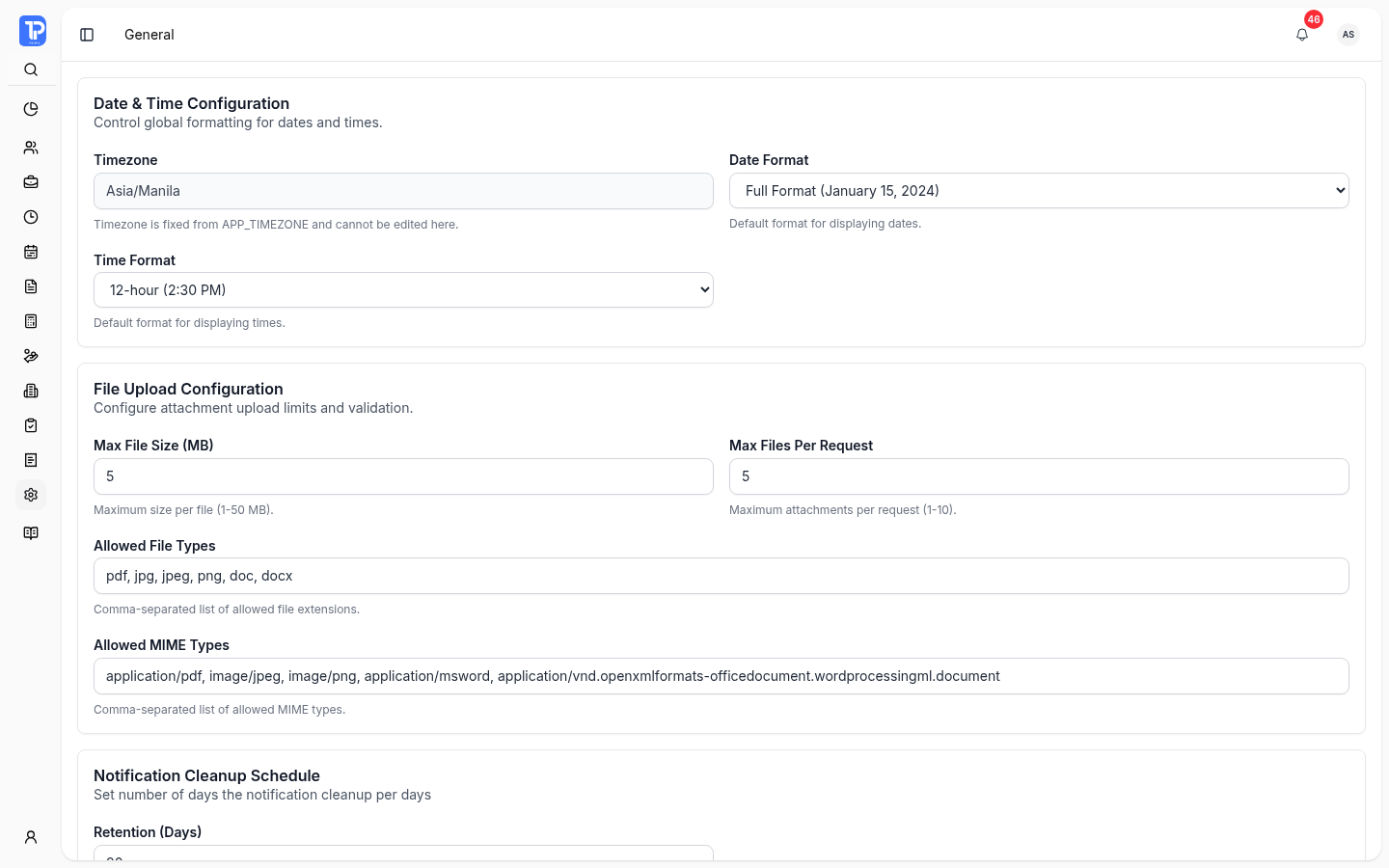
Configure date and time formats, file-upload rules, notification cleanup, and employee account automation.
- 02
Access controls
Set workspace access behavior alongside tenant roles, permissions, capabilities, and portal rules.
- 03
Attendance policies
Control clocking, biometrics, tardiness, night differential, breaks, filing windows, and shift matching.
- 04
Leave configuration
Define the filing window used to govern how far before or after a leave date requests may be submitted.
- 05
Payroll configuration
Manage computation, government contribution, final-pay, attendance-deduction, salary-alert, and loan settings.
- 06
Recruitment configuration
Set candidate retention, interview feedback reminders, calendar behavior, and resume-upload limits.
A setting becomes an operational rule.
Company-scoped configuration gives each workflow the context it needs while permission and audit boundaries keep changes accountable.
- 01Define
Set the operating policy
Authorized administrators configure the rules and limits that match the organization’s workforce process.
- 02Apply
Use one governed configuration
Employee, attendance, leave, payroll, recruitment, access, and security workflows read the relevant settings.
- 03Review
Retain accountable changes
Audit and security surfaces help authorized teams review configuration activity and access controls.
Implementation note Visible settings and editable values depend on company context, plan, module, role, permission, and security policy.
Settings and controls questions
The Settings module covers General, Access, Attendance, Leave, Payroll, Recruitment, Audit Logs, and Security surfaces, subject to permission and module availability.